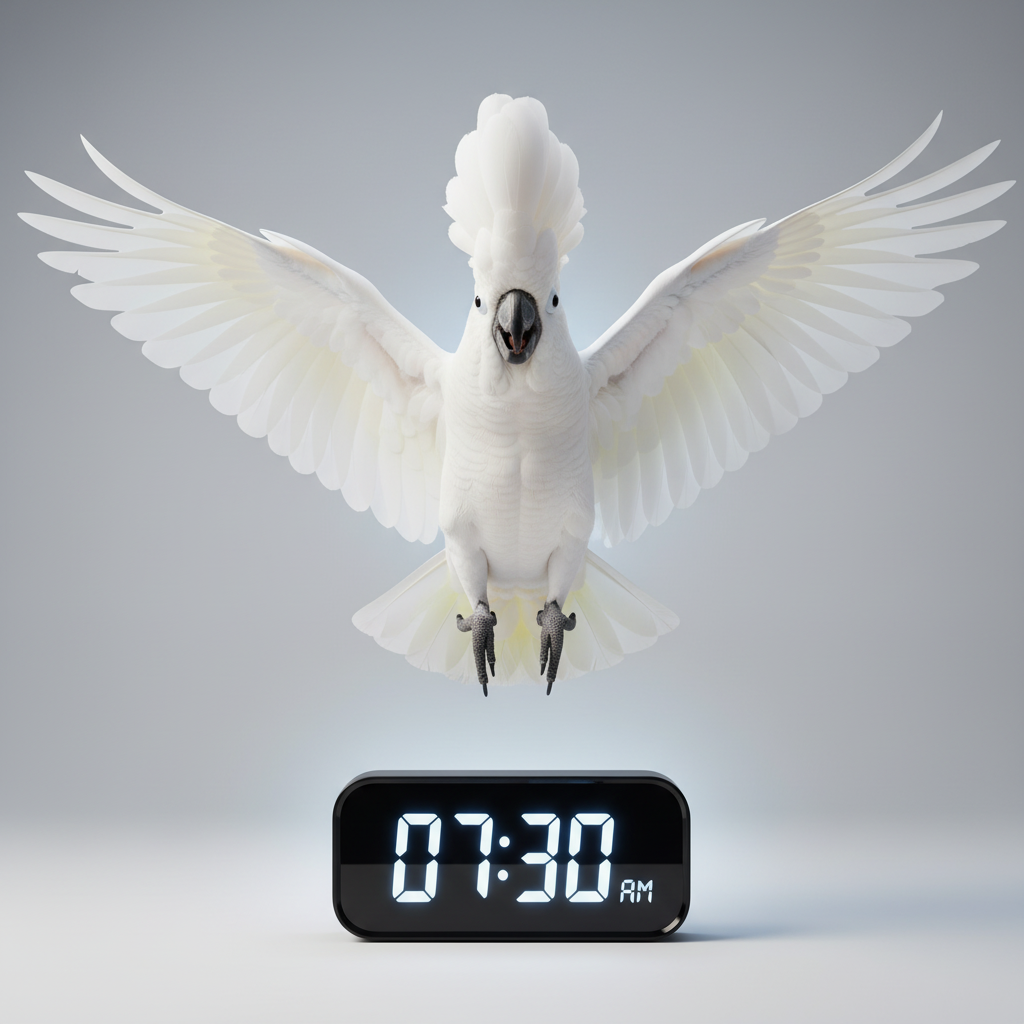

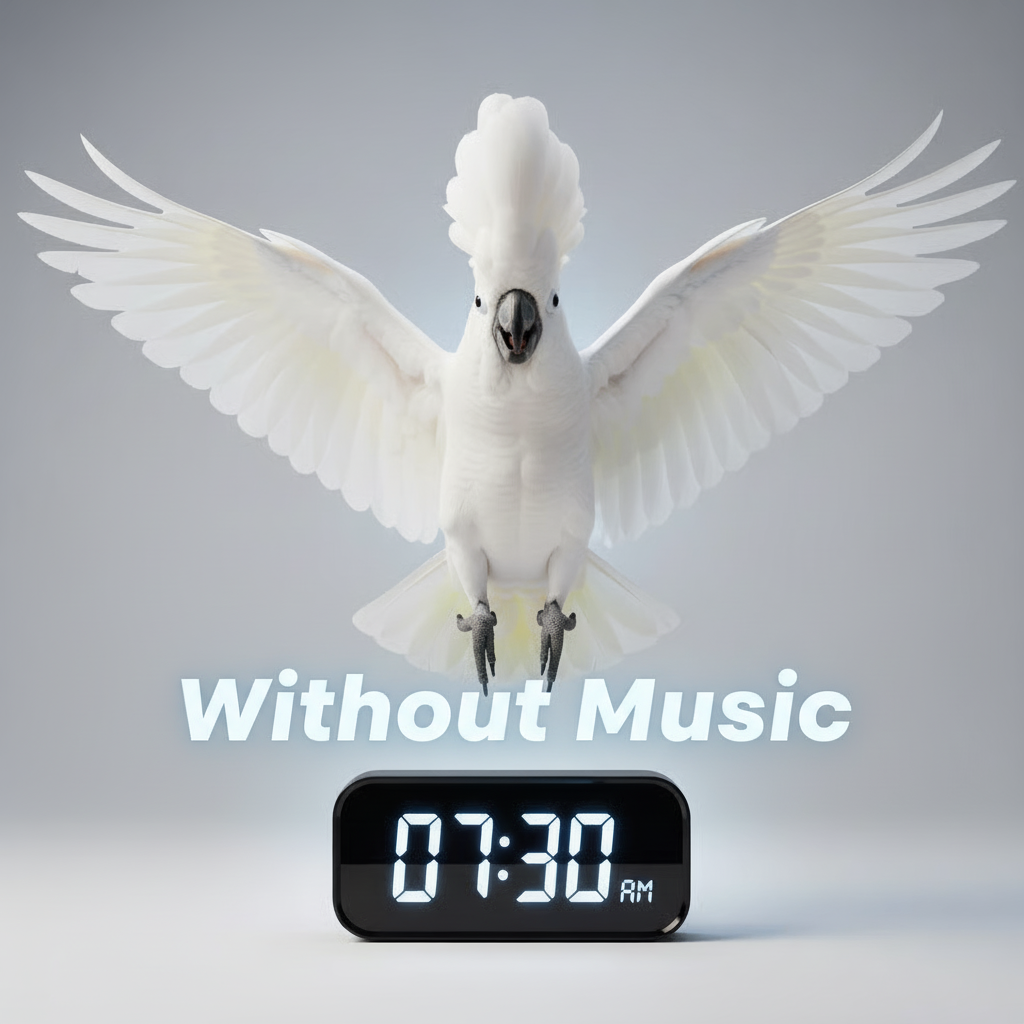
Jackson Wake-Up - Ringtone ( No Music )
Let Jackson the cockatoo yell you out of bed! His signature wake-up call is loud, cute, and impossible to ignore.
📱 HOW TO SET THIS RINGTONE (iPhone & Android)
🍎 For iPhone Users (iOS 26 or newer)
You can now set ringtones directly from the Files app — no GarageBand needed.
1. Download the ringtone
Tap the download link you received.
It will save into your Files app (usually under Downloads).
2. Open the Files app
Find the ringtone file.
3. Tap and hold the file
A menu will appear.
4. Tap “Share”
5. Choose “Use as Ringtone”
If your phone supports custom ringtones, you will see Use as Ringtone in the share options.
Tap it.
6. Name the ringtone
Example: Jackson Wake Up
7. Done!
Go to Settings → Sounds & Haptics → Ringtone
Select your new Jackson ringtone.
Note:
If someone is on older iOS and doesn’t see “Use as Ringtone,” they must update or use the traditional GarageBand method.
🤖 For Android Users (All Versions)
Optional (for alarms or notifications)
Open your Clock app.
Edit an alarm → choose Ringtone / Sound.
Select the Jackson file.
Done — Jackson is now your ringtone.